Lichca RU

A video call by link. Your guest installs nothing.

Create a link and send it in any messenger. Your guest opens the call in the browser, with nothing to install and no sign-up. The call is encrypted from device to device: video goes directly, and our server never sees it.

Start a call

We are preparing the first release. Soon you can start a call right here.
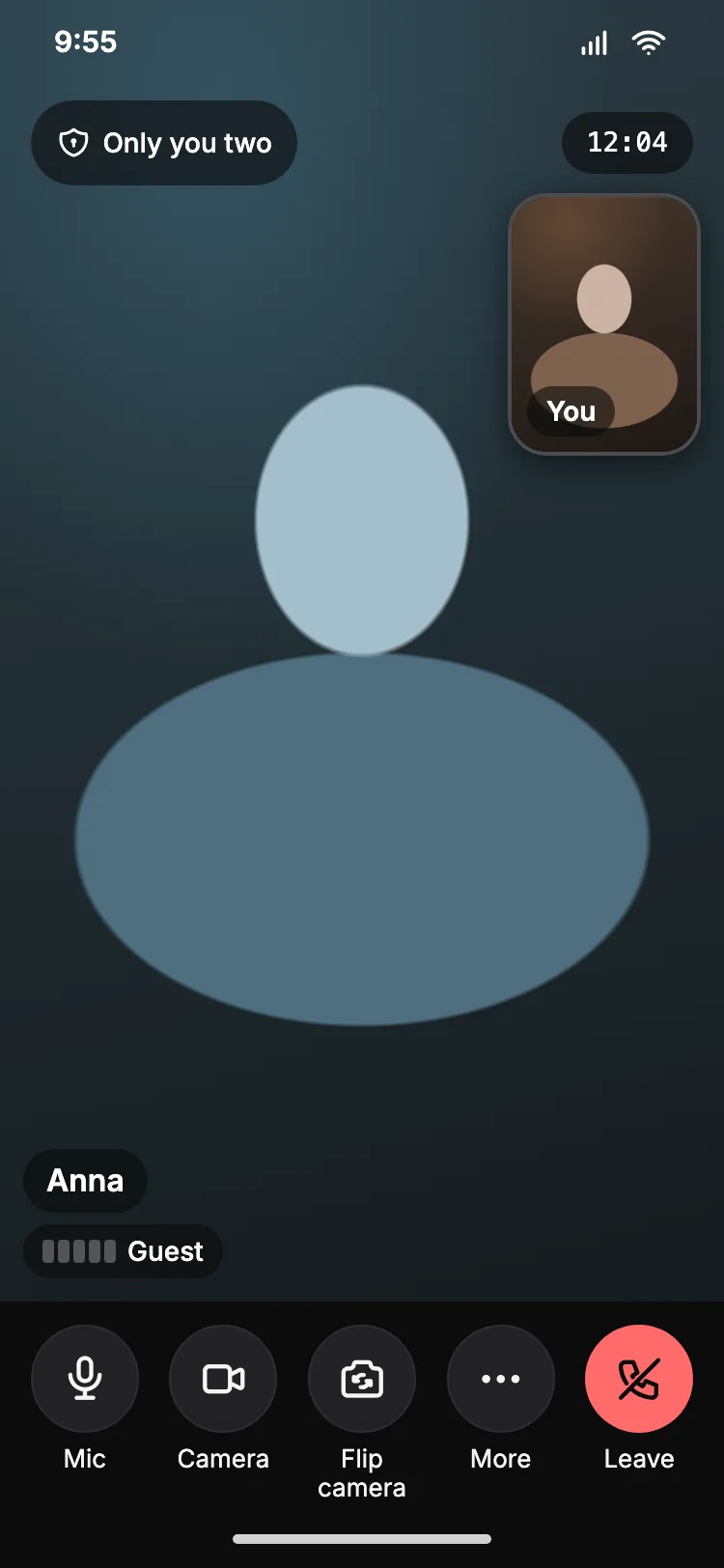
Lichca call screen on a phone: the other person fills the screen, “Only you two” at the top, mic, camera and leave buttons at the bottom.

Encrypted from device to device

The call key is delivered under post‑quantum protection

Encrypted device to device

Only you two

Instead of a cryptic badge, Lichca says in words who can see the call: “Only you two”, “Only you three” or “Only the 4 devices in this call”.

  • Video goes direct

    From device to device. Our server only passes short setup messages and never sees the video.

  • The connection checks itself

    Each pair of devices makes sure it is connected to the other one, not to someone in between. No codes to compare by hand.

  • A key protected for the future

    Your guest receives the call key under post‑quantum protection. In this first version the video itself uses classic encryption.

For specialists

The room key is sealed to the guest with hybrid X25519 + ML-KEM-1024. Together with the link secret it derives the call key, which each pair uses to authenticate the other’s DTLS fingerprint. Media is encrypted with DTLS-SRTP (classic ECDHE). A post‑quantum layer for the media itself is planned for version 0.2.

Knock to enter

Only the people you let in join the call

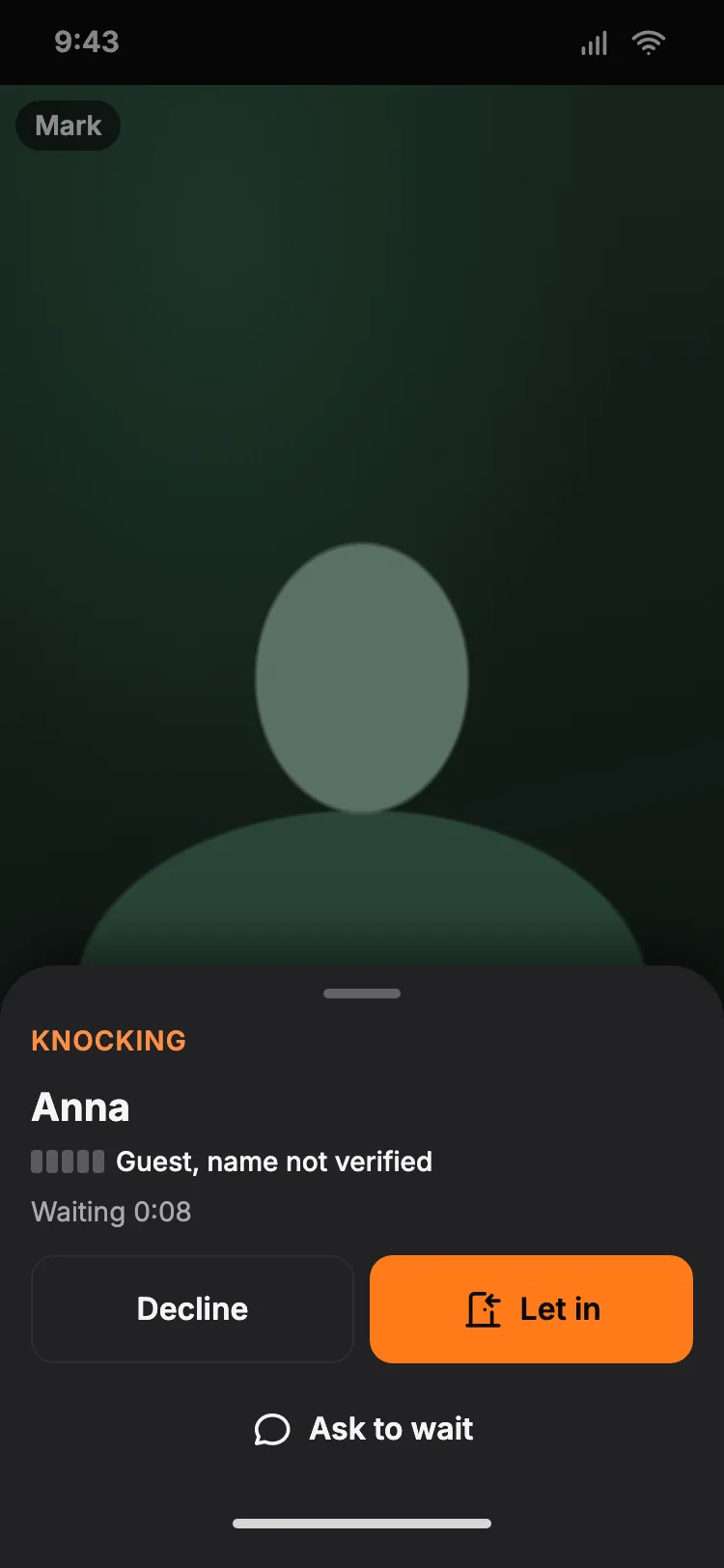
Your guest opens the link, checks the camera and taps “Knock”. You see their name and choose: “Let in” or “Decline”.

  • Until you let them in, nobody sees or hears your guest.
  • Your guest sees that the knock arrived, and your quick reply: “One minute, letting you in”.
  • Guests type their own name, and Lichca says so plainly: “name not verified”.
The host sees a knock: the name “Anna”, the note “Guest, name not verified”, and the buttons “Let in”, “Decline” and “Ask to wait”.

Links from messengers

From a messenger to a real browser in a tap or two

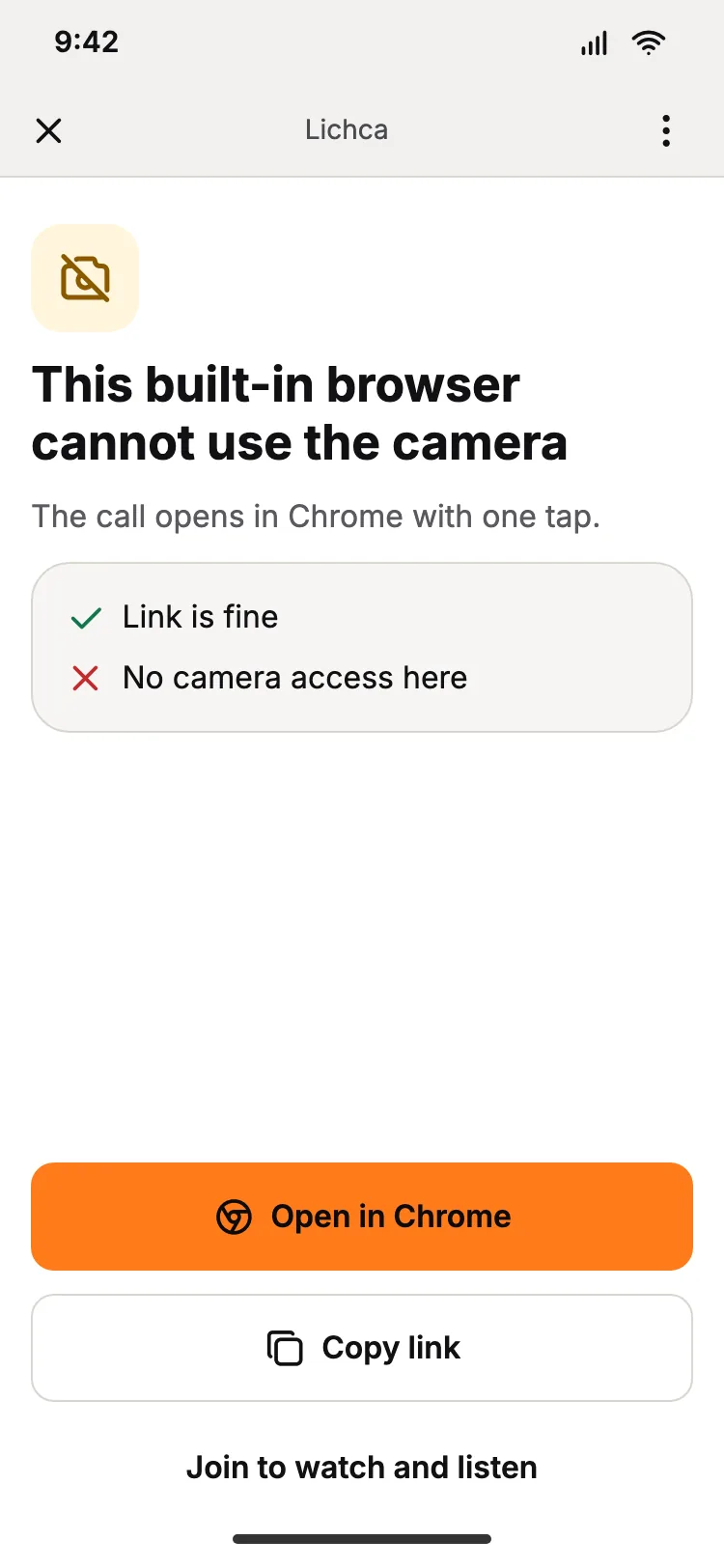
Inside a messenger’s built-in browser the camera may not start. Lichca notices at once and shows the way out: an “Open in Chrome” button on Android, two steps to Safari on iPhone.

And if that does not work, you can still join to watch and listen.

Lichca inside a built-in browser: “This built-in browser cannot use the camera” and the buttons “Open in Chrome”, “Copy link”, “Join to watch and listen”.

The call holds on a weak network

If the network blinks, Lichca tries to restore the connection by itself and tells you on screen what is happening.

Coming

Soon Lichca will tell you who is on the other end

Today your decision is what lets people in. Next come checks, and you will see what is confirmed next to each name.

  • Coming

    Email confirmed

  • Coming

    Phone confirmed

  • Coming

    Live person

    A check that a real person is in front of the camera, not a recording.

  • Coming

    Passport and face

  • Coming

    Liberion

  • Coming

    Same person

    A short check during the call that the person is the one you let in.